Schema and Code Editors
The Properties area is where Studio moves from canvas sketching into real interface definition.
Properties Tabs
State: edit state fields and value schemasCommands: define callable commands and parametersPort: declare data inputs/outputs and their schemasNode: change labels, colors, and other visual metadata
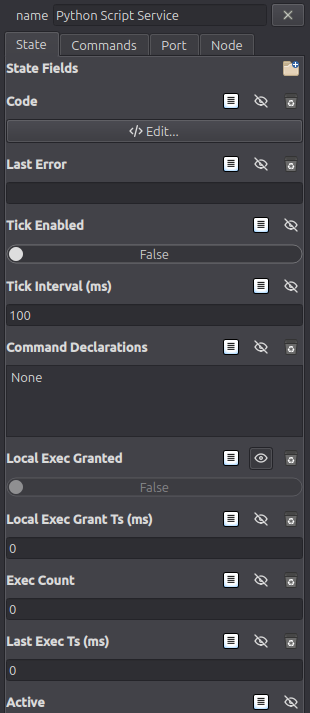
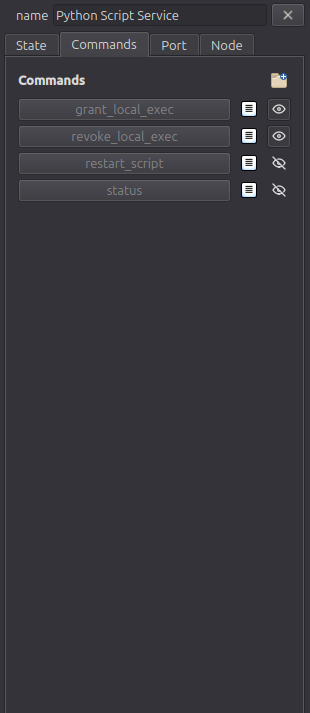
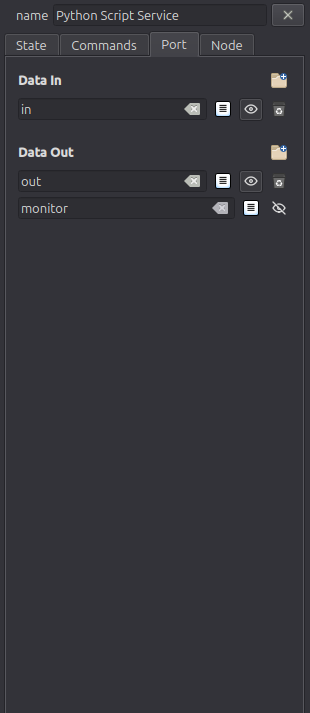
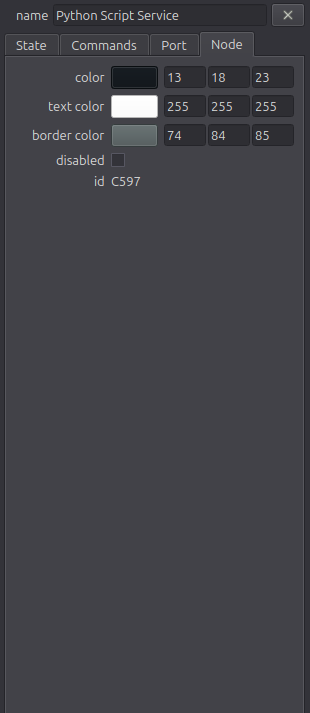
Schema Editor
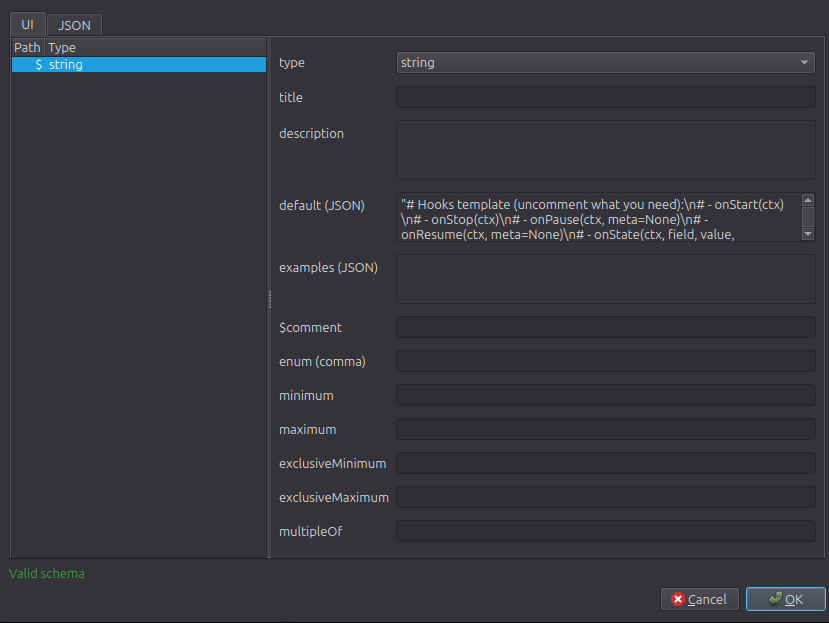
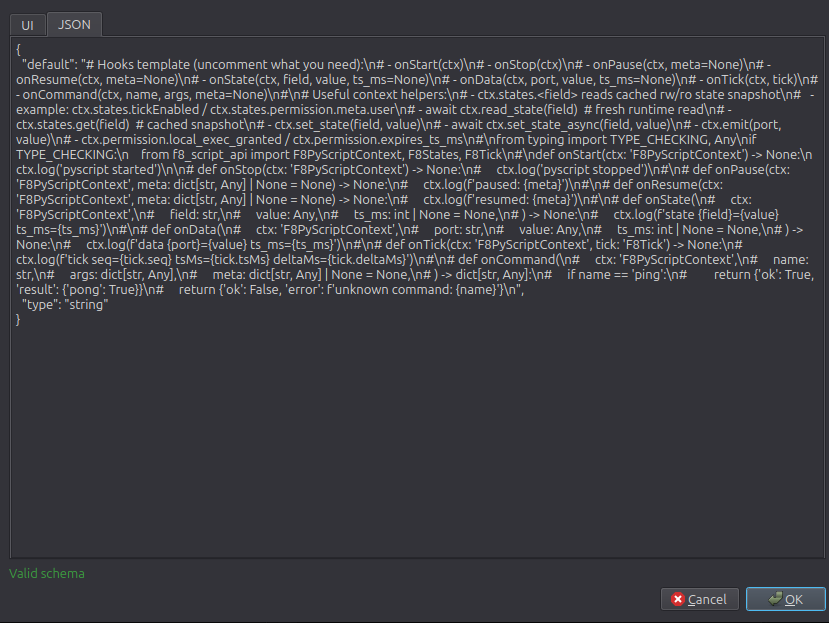
Use the schema editor to make contracts explicit. In Studio, valueSchema drives:
- runtime validation
- editor form rendering
- completion and inline assistance in Python-related editors
Prefer clear schemas over loose any ports for graphs you plan to maintain or hand off.
Monaco Code Editor
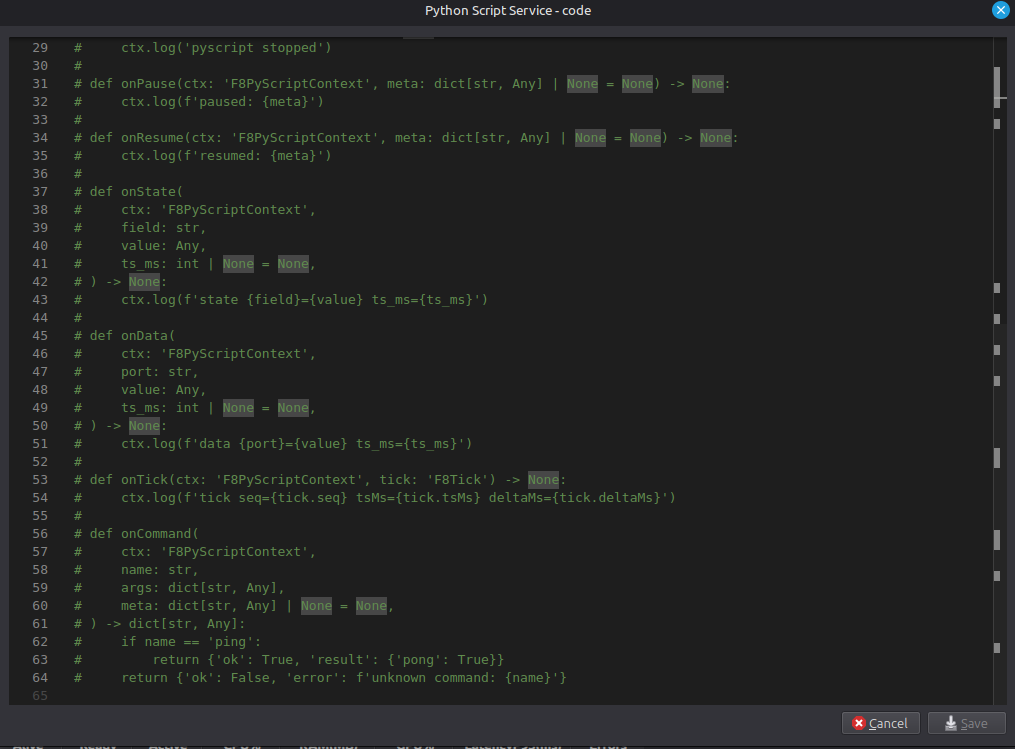
Common shortcuts:
Ctrl+S: saveCtrl+Q: closeCtrl+Space/Ctrl+J: completionCtrl+Shift+Space/Ctrl+Shift+J: parameter hintsEsc: close suggestion popup
Authoring Tips
- Model state and ports first; write code second.
- Put reusable logic in operator/service nodes, not ad-hoc text notes.
- Tight schemas improve grep-ability, refactoring safety, and editor support.