Node Library and Sessions
Node Library is the fastest way to discover and place nodes while keeping variants and session reuse under control.
Node Library
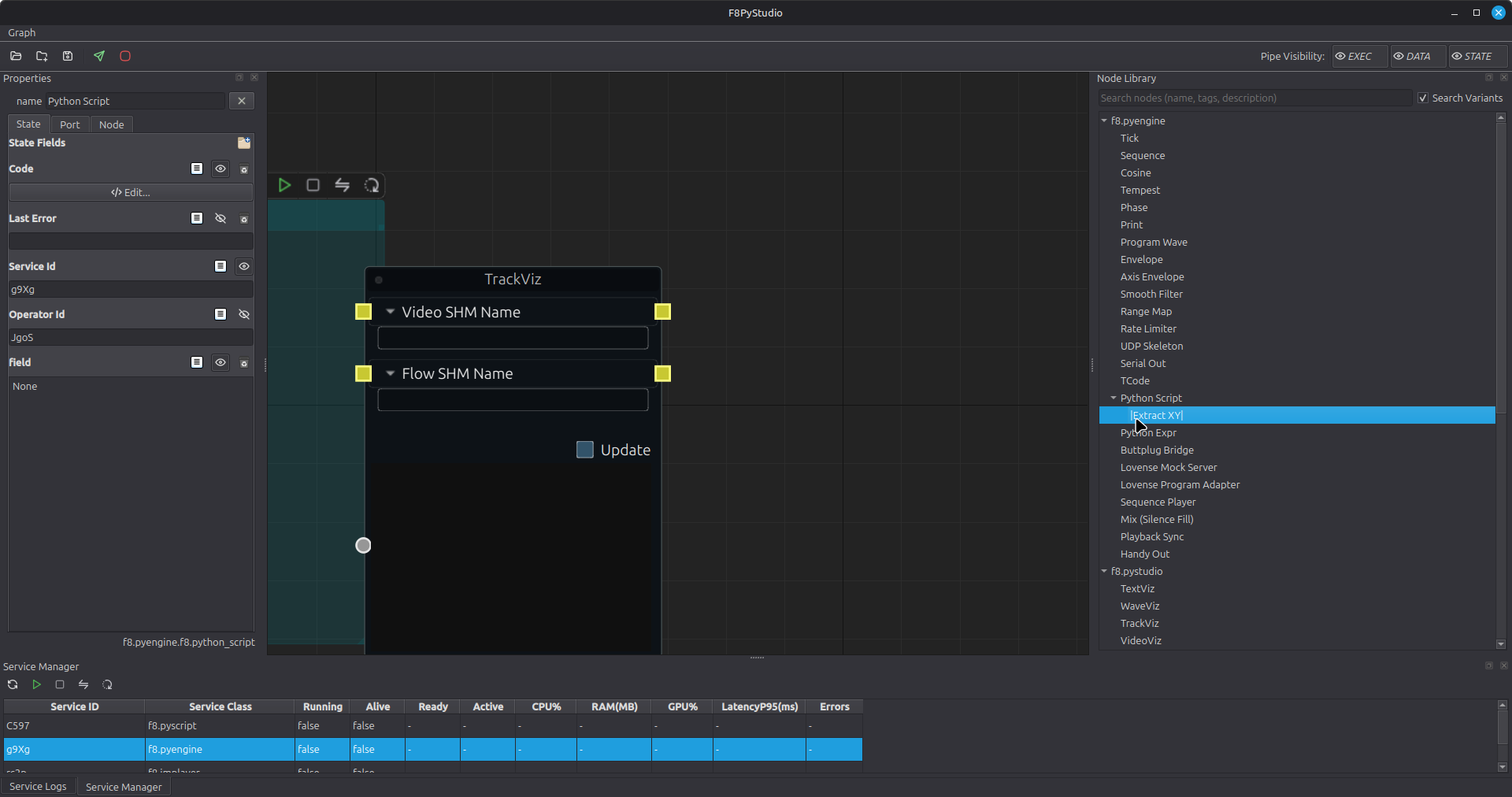
- Search by label, tags, service class, operator class, or description
- Click a node, then left-click on canvas to place it
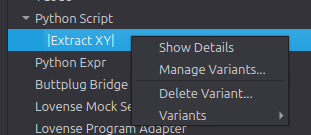
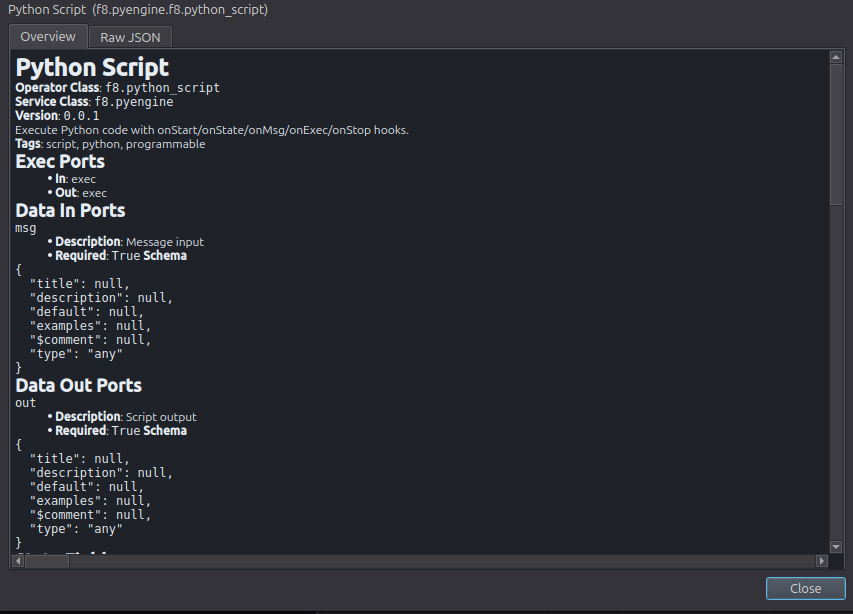
- Use right-click menus for details, variants, and cleanup actions
Useful context actions:
Show DetailsManage Variants...Delete Variant...Variants
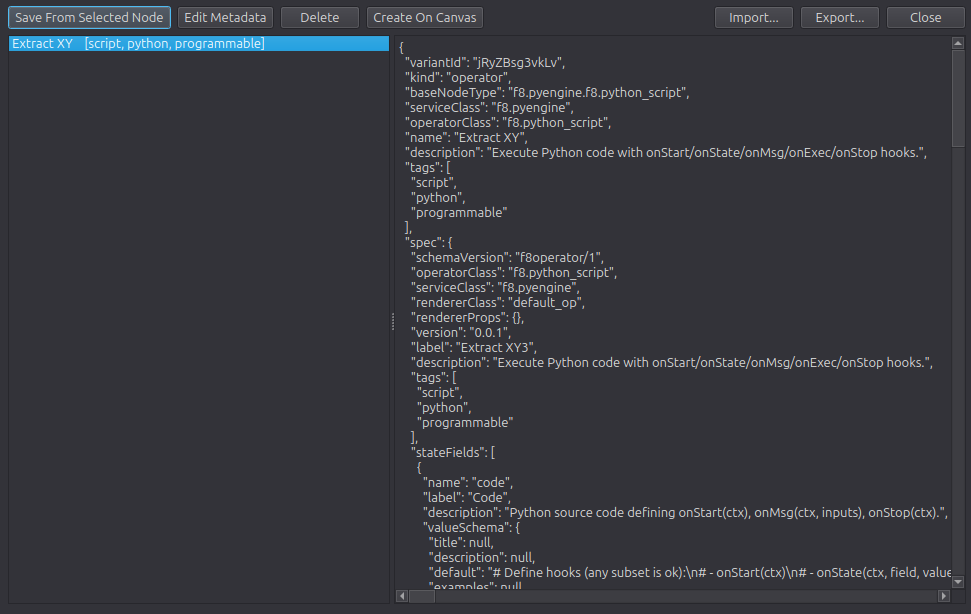
Variants
Variants are best for stable parameter presets, not for large structural changes.
- Keep one variant per meaningful behavior profile
- Name variants after the scenario they unlock
- Avoid using variants to hide missing documentation
Stored file:
~/.f8/studio/nodeVariants.json
Session Files
Studio auto-saves the latest session to:
~/.f8/studio/lastSession.json
Common session shortcuts:
Ctrl+S: save current sessionCtrl+O: load last sessionCtrl+Shift+O: open session fileCtrl+Shift+S: save asCtrl+Shift+I: insert external graph into current canvas